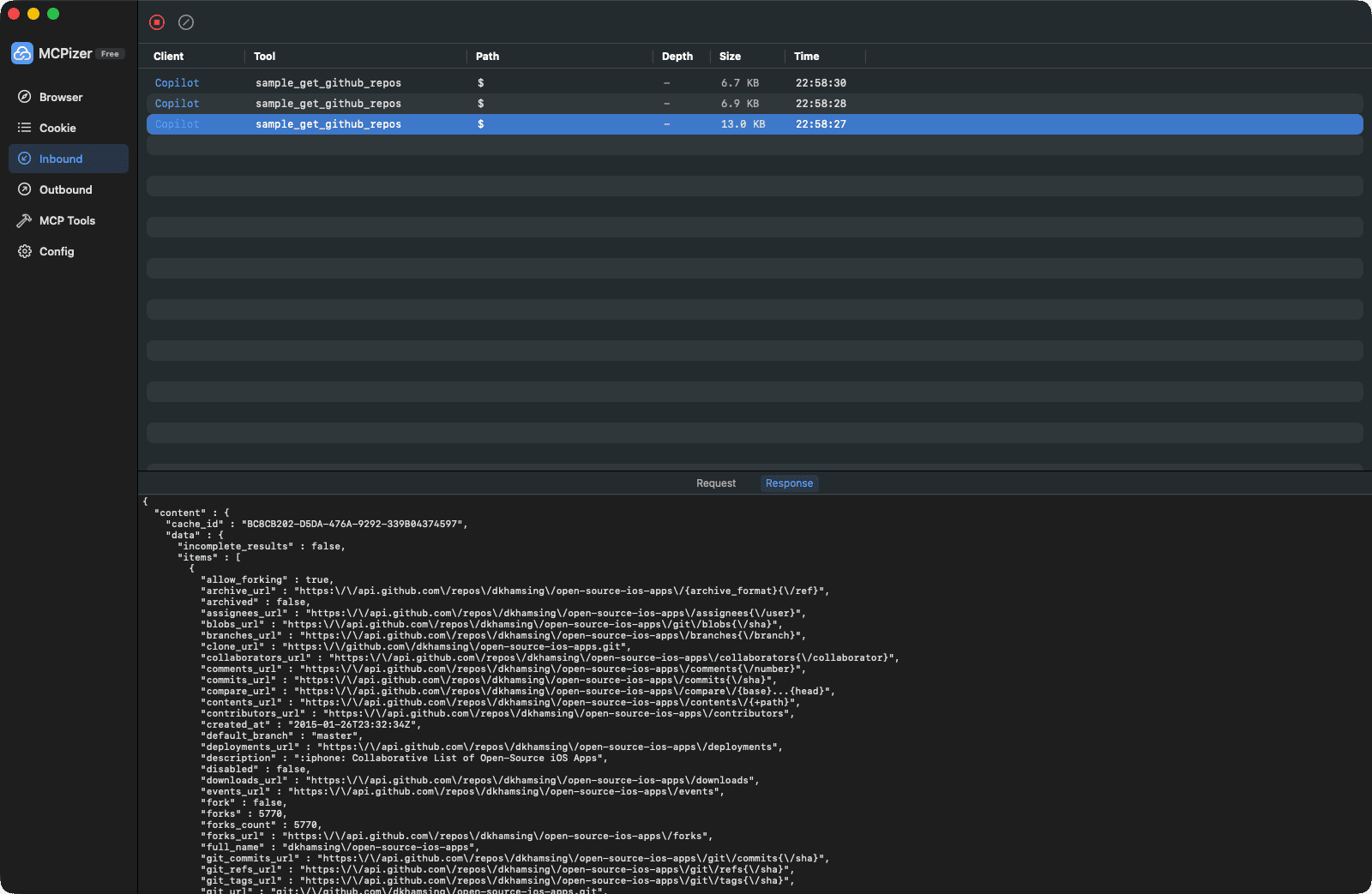
Built-in tools, visual debugging, and zero-config deployment.
🌐
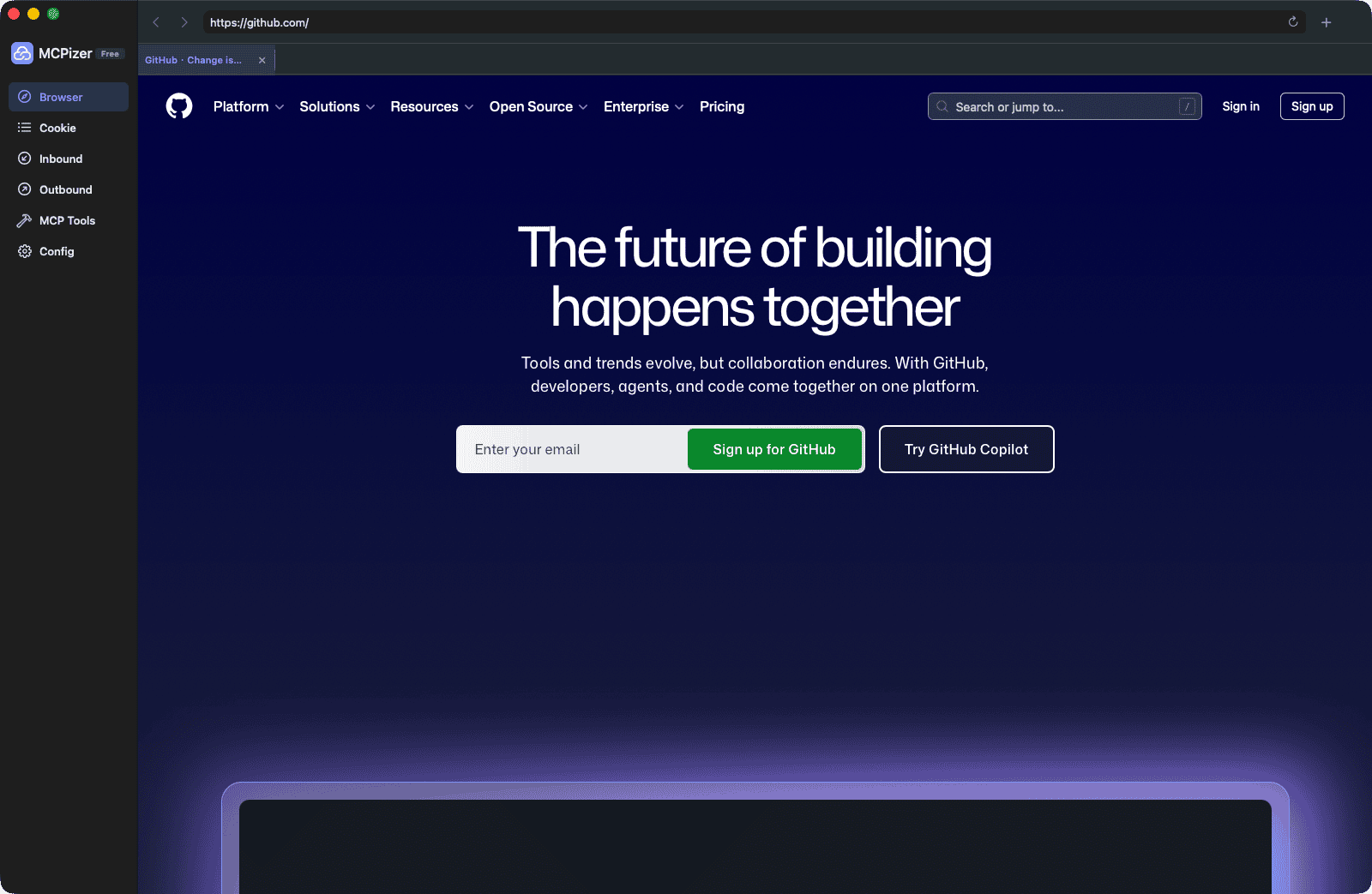
Built-in Browser
A full multi-tab browser powered by WKWebView. Browse the web, manage cookies locally, and let AI see what you see.
⚡
HTTP Request Tool
AI can send GET, POST, PUT, DELETE requests directly. JSON responses are auto-parsed with smart caching to save tokens.
🔍
JSON Explorer
Browse large JSON responses layer by layer using JSONPath syntax. No more wasting thousands of tokens on huge payloads.
🛠️
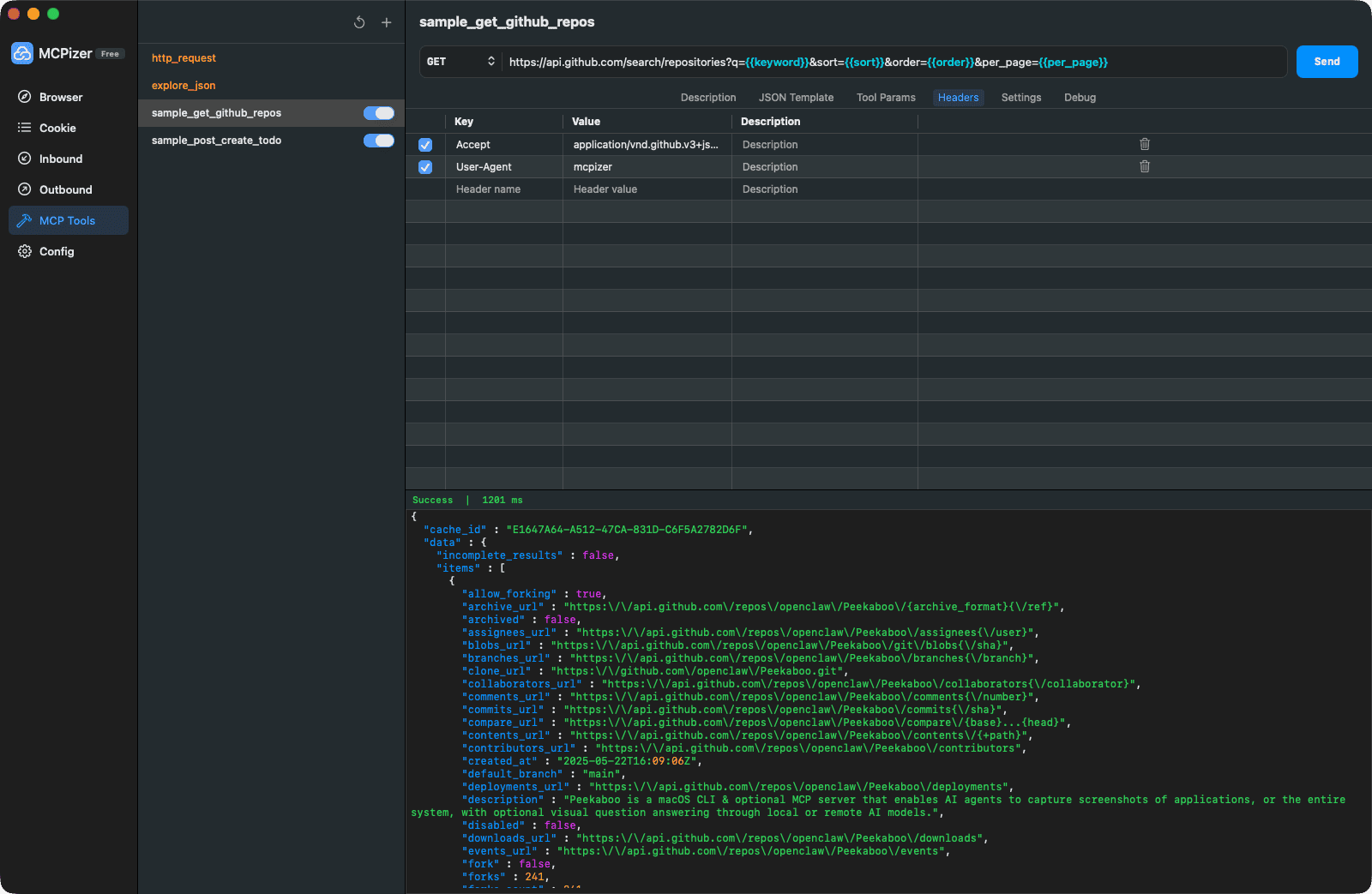
Custom API Tools
Turn any REST API into an MCP tool — configure URL, headers, auth cookies, and parameter templates visually. No code needed.
🍪
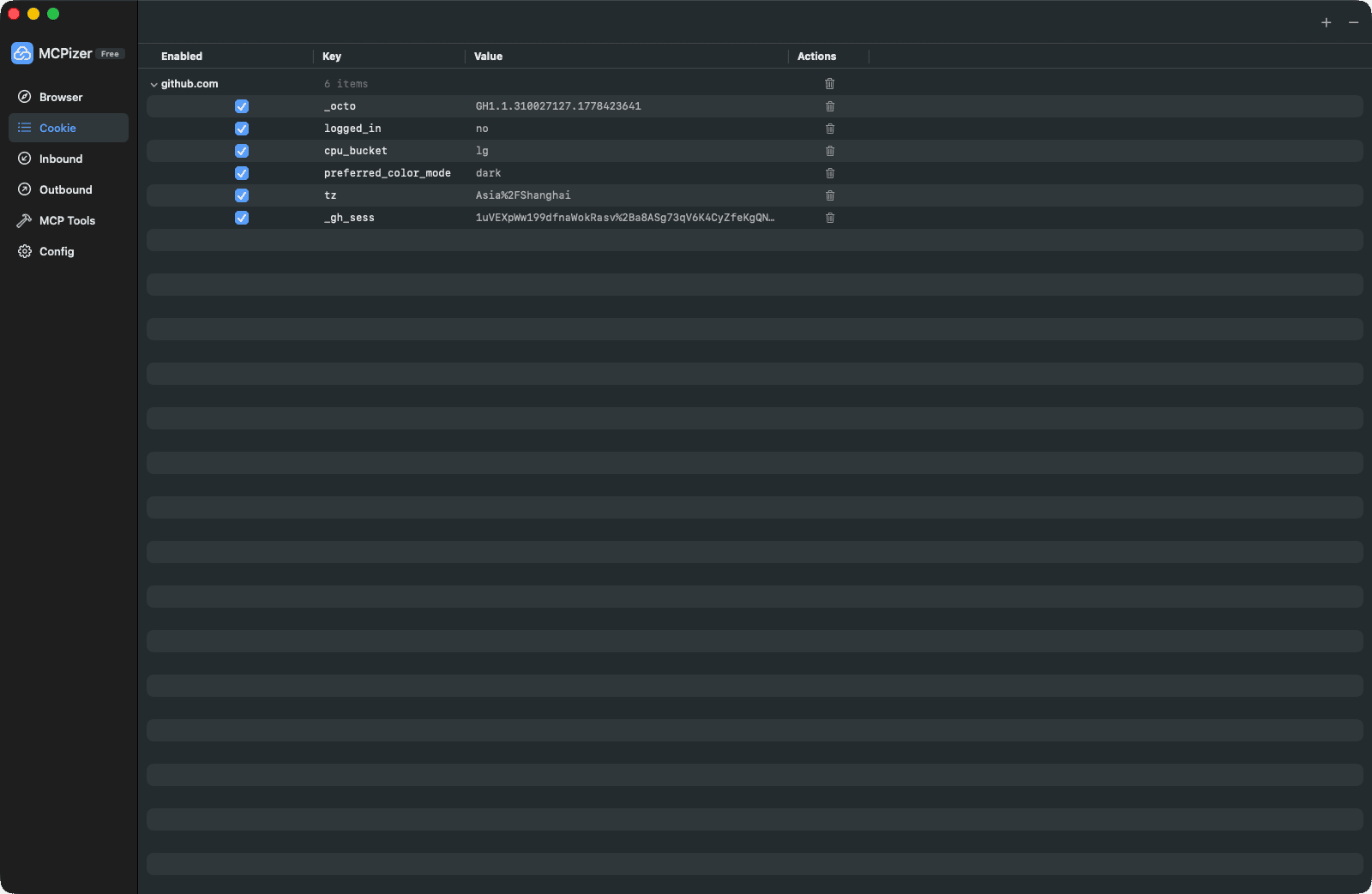
Cookie Management
Manage cookies per domain with fine-grained control. Auto-inject authentication cookies into HTTP requests.
📊
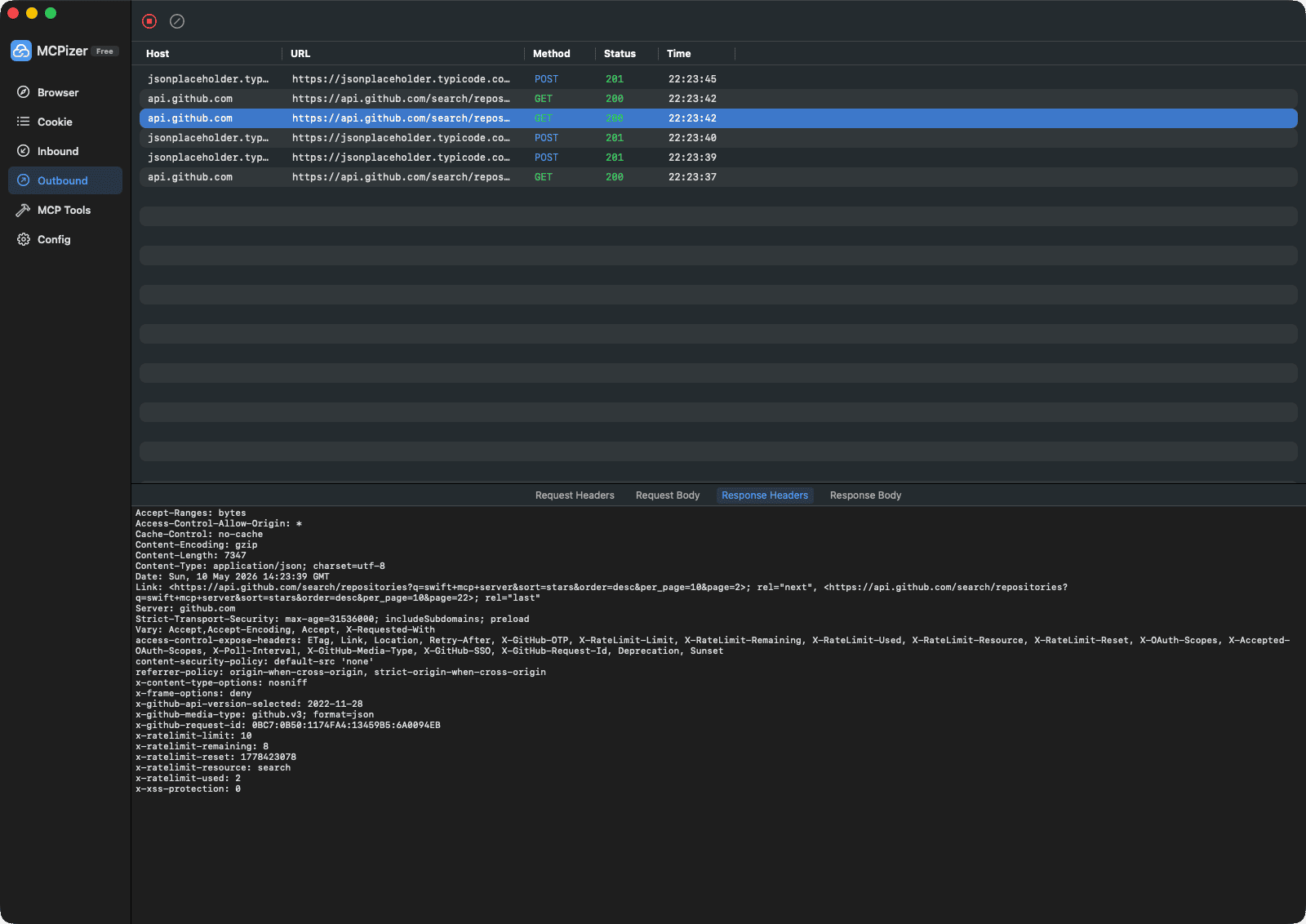
Full Observability
Monitor every network request and MCP interaction in real time. Debug AI behavior with complete transparency.